Sunday, 31 July 2016

How to print a text on a image using PHP as watermark

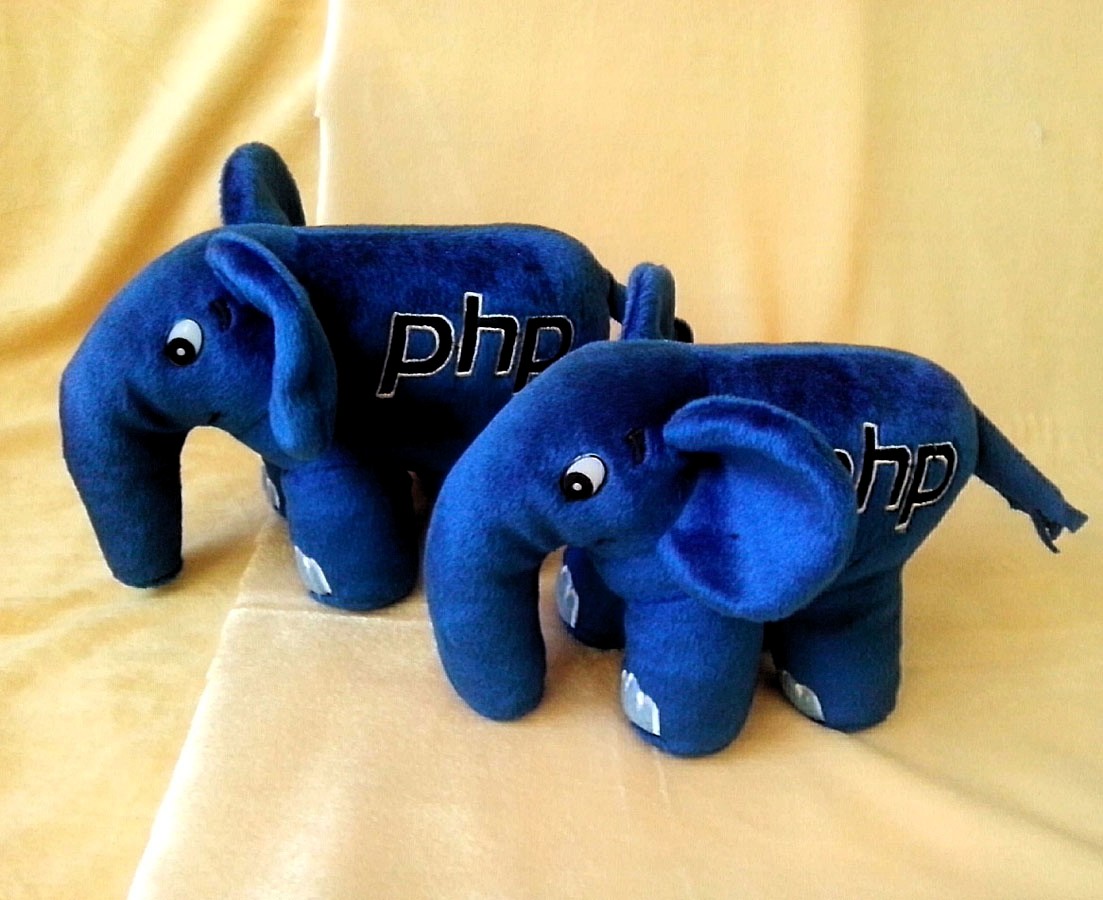
elephant_php1_by_evadollsart-d86pkel.jpg

If you are looking to learn how to print the text over a image as a water mark then this blog is very helpful to you.

Fixing a watermark on image can be used by PHP. So first we will learn how this process going in action.

You need to create HTML form just as we develop for image uploading.

We will start building the uploading and watermark process in the file with name imageUpload.php and its code.

Wednesday, 13 July 2016

How to use joins with CakePhp in 2.x version?

cakephp-1280-1024.jpg

Today we are going to discuss how to use joins with  CakePhp  in 2.x version?

Join is a very important feature for retrieving data from database with multiple tables. In a web application when we want to fetch multiple records from 3-4 tables then we should use join for fetching record because joins returns all records from 3-4 tables just on a single quires.

In other words we can say that joins are used for combining rows from two or more tables.  joins commands are used for more complex queries in database management system.

Read more about How to use joins with CakePhp in 2.x version? Visit Findnerd

Tuesday, 5 July 2016

Drag, Drop, Sort and Save using jQuery in CakePHP


logo.jpg
To implement drag and drop in cakephp using jquery, you need to follow following steps.

Step 1: Make index.ctp and add following code in it.

Step 2: Make UsersController.php, and add the following in it.

Read more about Drag, Drop, Sort and Save using jQuery in CakePHP visit Findnerd.

Wednesday, 29 June 2016

Import Vendor Files in CakePHP 3


cakephp 3.jpg

If you have used Cakephp 2x then we know how to import vendor files there. In Cakephp 2x we do the following to import vendor files:
  1. App::import('Vendor', 'Twitter', array('file' => 'Twitter' . DS . 'src'. DS. 'Twitter.php'));
In order to load vendor files in Cakephp 3 you need to load the files using require.

Steps to import vendor file:

i) Place library folder under your_project/vendor/
ii) include library file using require_once(ROOT . DS . 'vendor' . DS . "my_library_folder" . DS . "my_library_base_class.php") , this includes the library code file in our code.
Example: Please see the sample example below:
  1. //The following line should do the same like App::import() in the older version of cakePHP
  2. require_once(ROOT . 'vendor' . DS  . 'Twitter' . DS . 'src' . DS . 'twitter.php');
Read the full Blog about Import Vendor Files in CakePHP 3 at Findnerd.

Read such more blogs related to PHP at Findnerd.

Wednesday, 15 June 2016

Record Existence in CakePHP 3


CakePHP.jpg

I am writing this blog for them who are learning Cakephp 3. This blog will going to help you to find the solution for checking if record exists.
In Cakephp 2 we can check records which exist by using Model::hasAny . For Example:
  1. $conditions = array( 'User.id' => $this->Session->read('User.id'),
  2. 'User.security_key' => $this->Session->read('User.key') );
  3. if ($this->User->hasAny($conditions)){
  4. //do something
  5. }
Here is not the end. To read full blog about Record Existence in CakePHP 3 visit Findnerd.

Also read such more blogs about PHP and Cake PHP visit our Nerd Digest’s PHP Development Blogs Section.

Thursday, 21 April 2016

How to add custom attributes on product in WooCommerce?


WooCommerce.png
Hello Everyone, In this blog I will guide you “To add custom attributes on product in WooCommerce?”
This is how to produce custom item attributes on the WooCommerce single web page. (To display attributes on the cart page, see Indicate WooCommerce Product Attributes on Cart Page. ) This can be done programmatically by using ones functions document. That relies on a Woocommerce land it is ‘woocommerce_single_product_summary‘, which will make the goods feature seem above the “add to cart” button. That goes into functions.php file, certainly not in the template document.
  • <?php
  • /**
  • * Show custom product attribute above Add-to-cart button on single product page.
  • */
  • function isa_woo_get_one_pa(){
  • // Edit below with the title of the attribute you wish to display
  • $desired_att = ‘Some Attribute Title’;

Read full blog at our highly specific C, Javascript, Java, iPhone, PHP Questions, about the topic described above "How to add custom attributes on product in WooCommerce?". You can also learn much more about different programming technologies and can enhance your tech skills.